


ecoEbot B902 Building STEM Toy
$66.99 USD
/
Sold out

Shipping & Returns
- Standard Shipping: 2–7 business days
- Enjoy free shipping this holiday season
- U.S. & Canada Domestic Shipping: no extra tariffs required
- 30-Day Guarantee: 30 day money back guarantee
- Warranty: 1-year warranty from the date of purchase
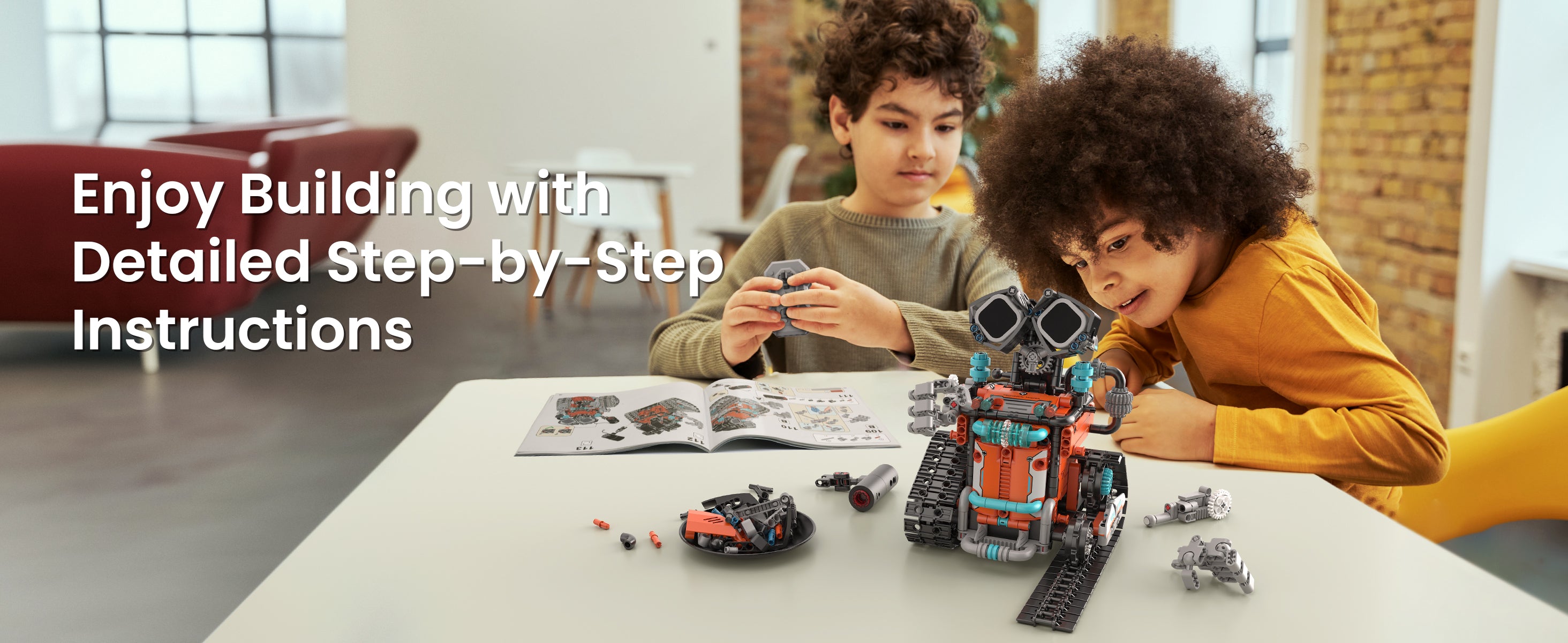
Building Instruction
Description
- Perfect Gift for Ages 8–12: Great for birthdays, back-to-school surprises, or Christmas, this is the kind of gift kids actually use and get excited about.
- STEM Learning Made Fun: Every build boosts creativity, hands-on thinking, and early STEM skills without feeling like “homework.”
- Interactive Features Kids Love: From expressive LED eyes to a cool mist-spray effect, it keeps playtime lively and engaging.
- 5-in-1 Building Adventure: Five different builds with increasing difficulty levels, giving kids room to grow from beginner to young engineer.
- Rechargeable Playtime: Up to 40 minutes of action on a single charge—no constant battery buying.
- Designed for All Kids: Includes boy-friendly and girl-friendly sticker designs so every child can customize their robot their own way.
Specifications
- Pieces: 596
- Recommended Age: 8+
- Assembly Time: 3–4 hours
- Dimensions: 12.80 × 9.25 × 2.48 inch
- Play Options: Build, control via app or remote, programming
- Usage: Perfect gift / Building enthusiasts / STEM learning / Screen-free fun / Boosts focus / Parents off duty
- Hands-on building fun for both girls and boys


Four-in-One Fun for Maximum Play
Six expressions for storytelling and role-play
Add lively effects or switch to quiet time whenever kids need it
Turn on the mist to make every build feel more alive
One quick recharge gives kids up to 40 minutes of adventure
Is it age-friendly?
Totally! Designed with real kids, our five build levels fit perfectly for ages 8–12.




Remote Control Fun
After the build is complete, let kids enjoy that sense of accomplishment, and jump straight into fast remote-control fun!

App Control Fun
Kids can drive, tilt, program, or set up paths, the app turns every action into play and discovery.

Custom Sticker Fun
Kids can decorate with orange, pink, or purple stickers, making their robot uniquely theirs.


Q&A
How can I turn off the sound?

Press the circular button near the power button. One press mutes the sound; a second press unmutes it.